


-

- კომენტარები არ არის
- July 20, 2026
5 Fatal Facebook Advertising Mistakes
Are you investing money in Facebook advertising but not getting the results you expected? Does it feel like your advertising budget disappears without bringing in real customers or sales? If this sounds familiar, you’re not alone.
Facebook remains one of the most powerful digital advertising platforms available today. When used correctly, it can help businesses reach highly targeted audiences, generate qualified leads, and significantly increase revenue. However, even small mistakes can quickly turn your campaigns into expensive failures. In most cases, the problem isn’t Facebook itself—it’s how advertisers use it.
The good news is that these mistakes are entirely avoidable. In this guide, we’ll examine the five most common and costly Facebook advertising mistakes businesses make. More importantly, you’ll learn practical strategies to fix them, stop wasting your advertising budget, and build campaigns that consistently deliver measurable results.
Mistake #1: Targeting the Wrong Audience (and Relying Too Much on the “Boost Post” Button)
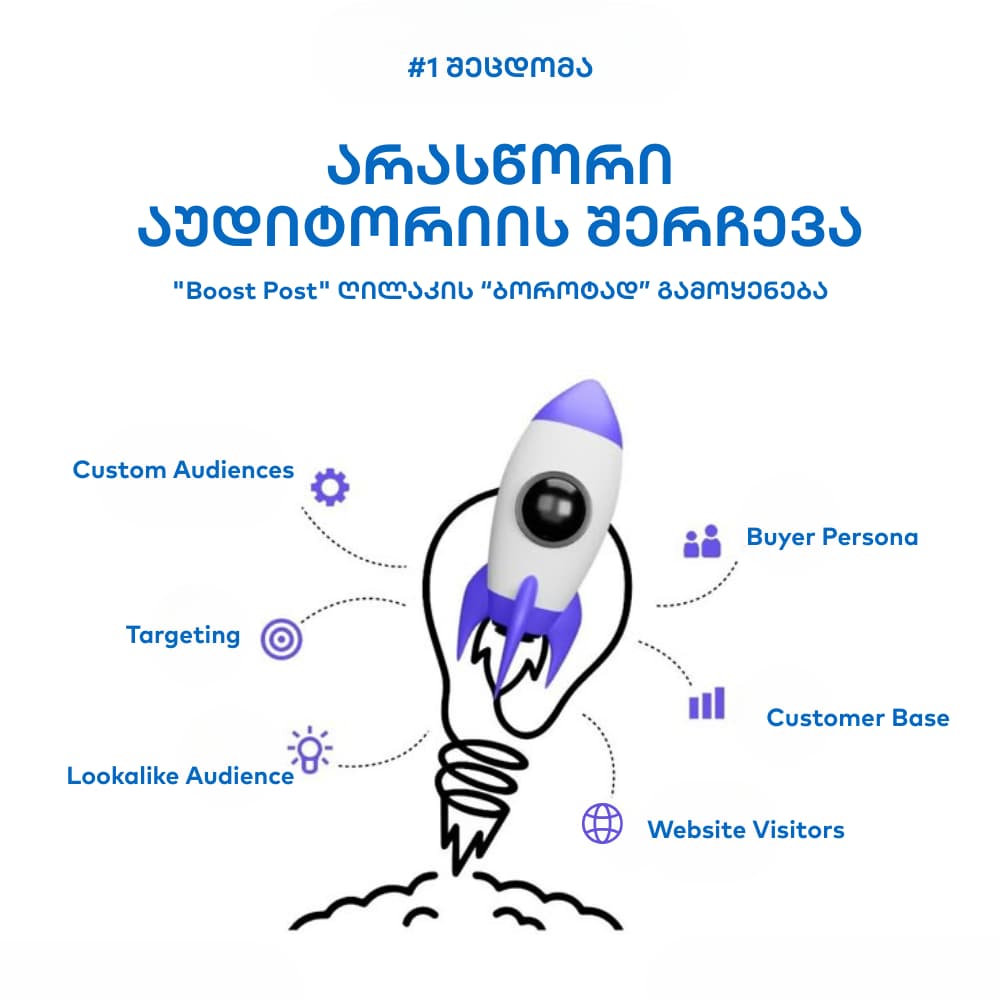
This is one of the biggest traps for new advertisers. You publish a great post, click Facebook’s highly visible Boost Post button, choose a broad audience such as “Georgia, ages 18–65+, all genders,” and wait for customers to arrive.
A few days later, your budget is nearly gone. The post has collected plenty of likes, but you’ve generated few—or no—sales.
Why Does This Waste Your Budget?
Imagine standing on a busy street and handing out flyers to every person who walks by—children, retirees, tourists who don’t speak your language, and people who have absolutely no interest in what you’re selling.
That’s exactly what broad Facebook targeting does.
You’re paying to show your offer to thousands of people who are unlikely to become customers. The Boost Post feature encourages this approach by providing only limited targeting options, making it much less effective than creating campaigns inside Meta Ads Manager.
How to Fix It
Stop Using Boost Post as Your Primary Advertising Tool
Whenever possible, create campaigns in Meta Ads Manager. It gives you complete control over your audience, objectives, placements, budget, bidding strategy, and performance tracking. Although it may seem more complicated at first, learning Ads Manager will dramatically improve your advertising results.
Create a Detailed Buyer Persona
Before launching any campaign, define exactly who your ideal customer is.
- Where do they live?
- How old are they?
- What interests do they have?
- What products or services do they already buy?
- Which brands do they follow?
- How do they typically behave online?
For example, if you sell sportswear, your ideal audience might be interested in fitness, healthy living, gyms, or running communities.
Use Detailed Interest Targeting
Instead of selecting broad interests like Beauty or Fashion, narrow your audience by targeting premium brands or specific interests that closely match your products.
For example, if you sell luxury skincare products, consider targeting users interested in brands such as Dior or Chanel, or broader categories like Luxury Goods. This helps Facebook reach users who are already likely to purchase premium products.
Take Advantage of Custom Audiences
Custom Audiences are one of Meta’s most valuable advertising features.
- Website Visitors: If Meta Pixel is installed, you can advertise specifically to people who have visited your website within the last 30 days.
- Customer Lists: Upload your existing customer database using email addresses or phone numbers to reconnect with previous buyers.
- Engaged Users: Reach people who have interacted with your Facebook or Instagram pages, watched your videos, or engaged with previous advertisements.
Use Lookalike Audiences
Lookalike Audiences allow Meta’s algorithm to find new users who closely resemble your existing customers.
Instead of guessing who might be interested in your business, you’re giving Meta real customer data and asking it to identify thousands of similar people with comparable behaviors, interests, and purchasing patterns.
This is one of the most effective ways to scale profitable Facebook advertising campaigns.
Key Takeaway
Stop trying to advertise to everyone. Focus your budget only on people who are genuinely interested in your products or services. Better audience targeting is the first—and often the biggest—step toward reducing wasted ad spend and improving your return on investment.
Mistake #2: Weak Creative (Poor Visuals and Copy)
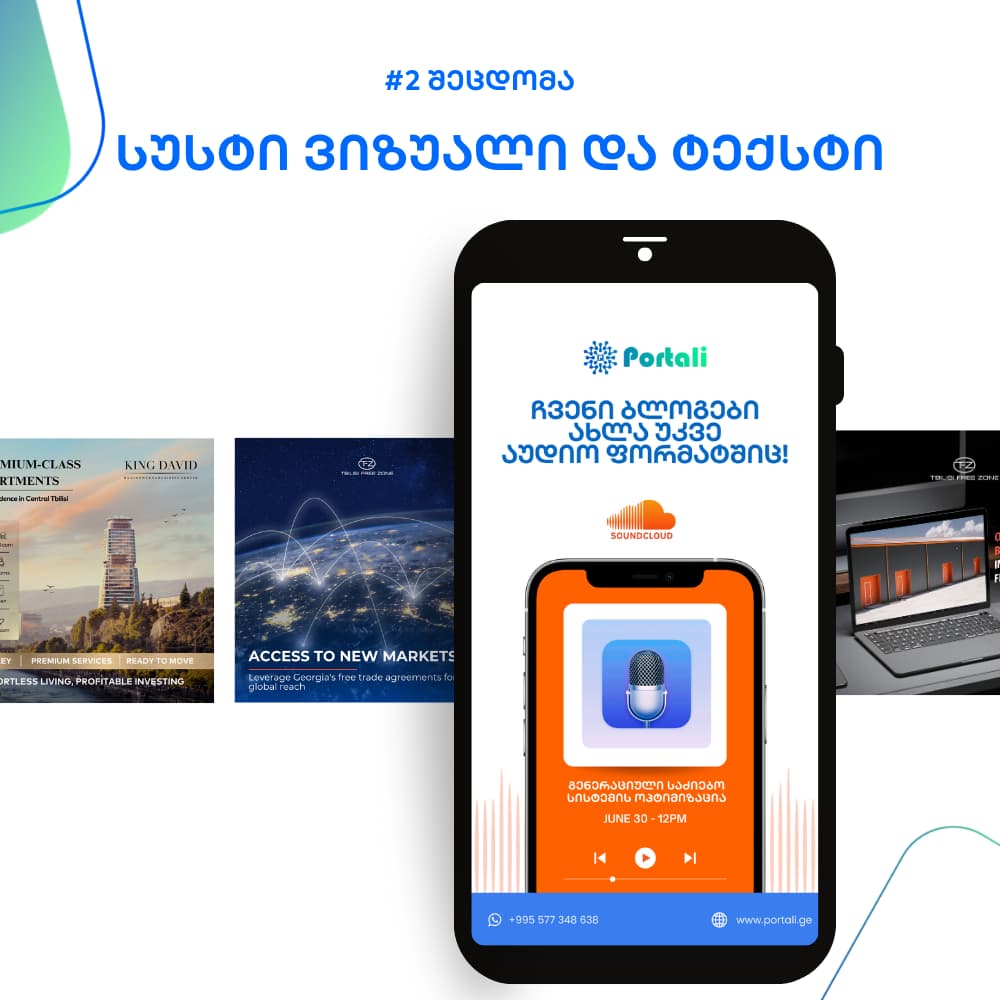
Choosing the right audience is only half the battle. Now you need to capture their attention.
Unfortunately, many businesses make their second major mistake here by publishing dull visuals, low-quality images, and uninspiring ad copy that users simply scroll past.
Your Facebook ad competes against friends’ photos, entertaining videos, viral memes, and hundreds of other posts in every user’s feed. If your ad fails to stand out within the first two or three seconds, it will most likely be ignored.
Why Does This Waste Your Budget?
Facebook rewards advertisements that receive strong engagement. Ads that generate clicks, comments, reactions, shares, and longer viewing times are considered more relevant.
If your creative performs poorly, Meta assumes users don’t find it interesting. As a result:
- Your cost per click (CPC) increases.
- Your ads are shown to fewer people.
- Your overall advertising costs rise while performance declines.
In other words, poor creative directly reduces your advertising efficiency.
Use High-Quality Visuals
The visual element is often the first thing users notice, making it one of the most important factors in Facebook advertising performance.
- Prioritize image quality. Avoid blurry, pixelated, or poorly lit photos. Modern smartphones are capable of producing excellent images, so make sure your visuals are sharp, bright, and professionally presented.
- Use video whenever possible. Short videos between 5 and 15 seconds—especially Reels and Stories—typically outperform static images. Demonstrate your product in action, show a quick before-and-after comparison, or create a simple animated slideshow.
- Feature real people and authentic emotions. Lifestyle images showing customers using your product naturally often generate stronger engagement than isolated product shots. People connect with people.
- Optimize for mobile devices. More than 90% of Facebook users browse on smartphones. Make sure your visuals are easy to understand on smaller screens and use vertical formats (9:16) for Stories and Reels whenever appropriate.
Write Better Ad Copy
Great visuals attract attention, but compelling copy convinces people to take action.
Start With a Strong Hook
Your opening sentence determines whether users continue reading or keep scrolling.
Begin with:
- a question,
- a surprising fact,
- a relatable problem, or
- a bold statement.
Poor example:
“We’re selling a new moisturizer.”
Better example:
“Struggling with dry skin? Here’s a solution that actually works.”
Focus on Benefits Instead of Features
Customers care less about technical specifications and more about how your product improves their lives.
Feature:
“Our course includes 20 video lessons.”
Benefit:
“Learn a valuable new skill in just 30 days and increase your earning potential.”
Always explain the value customers receive—not just what your product includes.
Use a Clear Call to Action (CTA)
Never assume users know what to do next. Tell them exactly what action you want them to take.
Weak CTA:
“Visit our website.”
Strong CTAs:
- Shop Now
- Get 50% Off Today
- Download the Free Guide
- Book Your Spot Now
- Request a Free Consultation
Key Takeaway
View every advertisement from your customer’s perspective. Would it capture your attention? Would it make you stop scrolling? If the answer isn’t an immediate “yes,” it’s worth redesigning before spending more money promoting it.
Mistake #3: Choosing the Wrong Campaign Objective

Imagine getting into a taxi and telling the driver, “Take me somewhere with lots of traffic.” You’ll probably end up sitting in a traffic jam instead of reaching your destination.
Meta’s advertising algorithm works in much the same way.
When creating a campaign in Meta Ads Manager, one of the first questions you’re asked is: What is your campaign objective? The answer determines how Facebook delivers your ads and which users are most likely to see them.
Selecting the wrong objective is one of the fastest ways to waste your advertising budget.
Why Does This Waste Your Budget?
Meta understands user behavior remarkably well.
Its algorithm knows which people are most likely to:
- click advertisements,
- watch videos,
- leave comments,
- engage with content, and most importantly,
- complete purchases online.
If your goal is generating sales but you choose Traffic as your campaign objective, Meta will primarily optimize for users who frequently click links—not necessarily those who buy products.
You may receive thousands of inexpensive website visits while generating very few conversions.
Likewise, if your objective is increasing brand awareness but you optimize for Sales or Conversions, Meta will restrict delivery to people who appear ready to purchase, making impressions more expensive and limiting your overall reach.
How to Choose the Right Objective
Before launching any campaign, answer one simple question:
What specific business result do I want this campaign to achieve?
Then select the campaign objective that aligns with that goal.
If Your Goal Is Website Sales
Recommended Objective: Sales (formerly Conversions)
Your website should have the Meta Pixel installed so Facebook can track purchases and optimize delivery toward users most likely to convert.
If Your Goal Is Engagement
Recommended Objective: Engagement
This objective works well for contests, giveaways, community-building campaigns, and social proof.
If Your Goal Is Brand Awareness
Recommended Objectives:
- Awareness
- Reach
These objectives are ideal when launching a new brand, promoting an event, or announcing a major sale to the widest possible audience.
If Your Goal Is Website Traffic
Recommended Objective: Traffic
Use this objective only when website visits themselves are the primary goal—for example, promoting a new blog article or educational resource.
If your primary goal is generating purchases, Traffic is usually not the right choice.
Key Takeaway
Don’t confuse Facebook’s algorithm by selecting the wrong campaign objective. Give it a clear destination, and it will optimize delivery toward users who are most likely to help you achieve that goal.
Mistake #4: Ignoring A/B Testing

Imagine opening a restaurant with only one dish on the menu. Some customers may enjoy it, while others won’t. But you’ll never know whether another dish could have become your bestseller and doubled your revenue.
Running only one version of a Facebook advertisement is no different.
Many businesses create a single ad with one image, one headline, one audience, and one call to action, then simply hope it performs well. That’s not a marketing strategy—it’s guesswork.
Successful advertisers don’t rely on assumptions. They test everything.
Why Does This Waste Your Budget?
You never know which version of an advertisement will perform best until you test it.
Perhaps a red call-to-action button generates twice as many clicks as a blue one. Maybe a question-based headline outperforms a promotional statement. Or perhaps customers aged 25–34 convert far better than those aged 35–44.
Without A/B testing, you’ll never discover these opportunities.
As a result, you continue investing money in ads that may only be average performers, while a small improvement could dramatically lower your cost per result and increase your return on investment.
How to Fix It
A/B testing (also called Split Testing) means creating multiple versions of the same advertisement while changing only one element at a time.
This allows you to identify exactly what improves performance.
Test Different Creatives
Create two identical ads but change only the creative.
- Image vs. video
- Product photo vs. lifestyle photo
- Different thumbnail images
After several days, compare metrics such as CTR, CPC, and Cost per Result to identify the stronger performer.
Test Different Audiences
Run the same advertisement to multiple audience segments.
For example:
- Interest-based targeting
- Lookalike Audiences
- Retargeting audiences
Analyze which audience generates more conversions, lower acquisition costs, or higher return on ad spend.
Test Different Headlines and Copy
Small wording changes can significantly influence performance.
For example:
Version A
“Looking for premium coffee?”
Version B
“Get 50% Off Our Premium Coffee Today.”
Although both ads promote the same product, one may consistently outperform the other.
Test Different Calls to Action
Experiment with different CTA buttons such as:
- Shop Now
- Learn More
- Book Now
- Get Offer
- Contact Us
Sometimes a softer CTA like Learn More generates more qualified visitors who later convert into paying customers.
Best Practices for A/B Testing
- Test only one variable at a time.
- Allow campaigns to collect enough data before making decisions.
- Measure statistically meaningful results rather than reacting to small fluctuations.
- Keep the winning variation and continue testing another element.
Key Takeaway
Replace assumptions with data. Even small A/B tests can uncover valuable insights that significantly improve the performance of future Facebook advertising campaigns.
Mistake #5: Not Using Meta Pixel and Ignoring Campaign Data

Imagine driving a car with your eyes closed.
You can’t see your speed, you don’t know how much fuel remains, and you have no mirrors to monitor what’s happening around you.
You probably wouldn’t get very far.
Running Facebook advertising without the Meta Pixel is remarkably similar.
It’s one of the biggest technical mistakes advertisers make and one that can undermine every other optimization effort. While the previous mistakes waste part of your advertising budget, this one can prevent your campaigns from ever reaching their full potential.
Why Does This Waste Your Budget?
The Meta Pixel is a small piece of tracking code installed on your website.
It performs several critical functions that make effective Facebook advertising possible.
Without it:
- You cannot accurately measure your return on investment (ROI).
- You don’t know which campaign, audience, or advertisement generated actual customers.
- You lose the ability to retarget previous website visitors.
- Meta’s algorithm cannot learn which users are most likely to convert.
You Can’t Measure Real Business Results
Clicks, impressions, and likes are useful metrics, but they don’t necessarily generate revenue.
Without conversion tracking, you have no reliable way to determine whether your advertising investment is actually producing profitable sales.
You’re essentially making decisions without data.
You Lose Retargeting Opportunities
Research consistently shows that most website visitors don’t make a purchase during their first visit.
Without Meta Pixel, these visitors disappear forever.
With Pixel installed, however, you can create highly profitable retargeting campaigns that show personalized advertisements to users who:
- visited your website,
- viewed specific products,
- added products to their cart, or
- started—but didn’t complete—the checkout process.
Retargeting audiences often deliver the highest conversion rates because these users have already demonstrated interest in your business.
The Algorithm Can’t Learn
Meta’s advertising system becomes smarter over time.
When Pixel tracks completed purchases, leads, or other conversions, Facebook analyzes those users and gradually learns which people are most likely to perform similar actions.
Without Pixel data, that learning process simply can’t happen.
How to Fix It
Install Meta Pixel Immediately
If your website doesn’t already have Meta Pixel installed, make it your highest priority. This isn’t an optional feature—it’s the foundation of successful Facebook advertising.
Most website platforms, including WordPress, Shopify, Wix, and other popular CMS solutions, offer straightforward Meta Pixel integrations. If you’re not comfortable with the technical setup, ask a developer or marketing specialist to help.
Configure Conversion Tracking
Installing the Pixel is only the first step. You also need to configure the conversion events that matter to your business.
Depending on your goals, these may include:
- Purchase
- Lead
- Add to Cart
- Initiate Checkout
- Complete Registration
- Contact Form Submission
These events allow Meta to optimize your campaigns based on real business outcomes rather than superficial engagement metrics.
Review Your Campaign Performance Regularly
Successful advertisers don’t simply launch campaigns and hope for the best.
At least once a week, review your performance inside Meta Ads Manager and ask questions such as:
- Which campaign generates the lowest Cost per Purchase?
- Which audience produces the highest Return on Ad Spend (ROAS)?
- Which creative has the highest Click-Through Rate (CTR)?
- Which ads consistently underperform?
Pause Underperforming Campaigns
Don’t be afraid to stop advertisements that fail to deliver results.
Continuing to spend money on ineffective campaigns simply because they’re already running is one of the most common budgeting mistakes.
Scale What Works
When you identify a profitable campaign, increase its budget gradually—typically by no more than 15–20% per day. This allows Meta’s algorithm to continue optimizing performance without disrupting the learning phase.
Key Takeaway
Stop making advertising decisions based on assumptions. Let data guide every optimization. Meta Pixel connects your advertising campaigns with real business results, making it one of the most valuable tools available to Facebook advertisers.
Conclusion
Successful Facebook advertising isn’t based on luck or secret tricks. It’s built on strategy, testing, measurement, and continuous optimization.
The difference between businesses that consistently generate profitable results and those that waste their advertising budgets often comes down to understanding these fundamental principles.
Instead of relying on guesswork, use data to make informed decisions and continuously improve your campaigns.
The Golden Rules of Facebook Advertising
- Use Meta Ads Manager instead of relying on the Boost Post button.
- Create high-quality visuals and write benefit-driven ad copy that captures attention.
- Choose the campaign objective that matches your actual business goal.
- Continuously run A/B tests to improve performance.
- Install Meta Pixel and use conversion data to optimize every campaign.
Following these five principles will help you spend your advertising budget more efficiently, reach the right audience, improve campaign performance, and generate stronger long-term business results.
